Desk size for 1 x 32 in monitor
Quick answer
1 x 32 in 16:9 monitor takes 27.9 in (71 cm) of horizontal space once the gap between them is counted, so a desk around 43.9 in (111 cm) wide gives a working margin either side. Depth matters as much: allow 20 in on factory stands or 14 in on arms.
Screen width is exact trigonometry from the diagonal and aspect ratio. The 8 in margin each side and the keyboard zone are conventions.
| Element | Width | Note |
|---|---|---|
| 1 panel at 32 in | 27.9 in (71 cm) | Each panel is 27.9 in wide |
| Working margin | 16.0 in (41 cm) | 8 in each side for notes, a drink, a lamp |
| Desk width, target | 43.9 in (111 cm) | Round up to the nearest standard size |
| Desk width | Fits | What you get |
|---|---|---|
| 48 in | Yes | 20.1 in of free surface beside the screens. |
| 55 in | Yes | 27.1 in of free surface beside the screens. |
| 60 in | Yes | 32.1 in of free surface beside the screens. |
| 63 in | Yes | 35.1 in of free surface beside the screens. |
| 70 in | Yes | 42.1 in of free surface beside the screens. |
| 78 in | Yes | 50.1 in of free surface beside the screens. |
Desks at this width
Shown across the range this category actually spans, from $79.99 to $679.99, rather than the cheapest few.
- Furmax
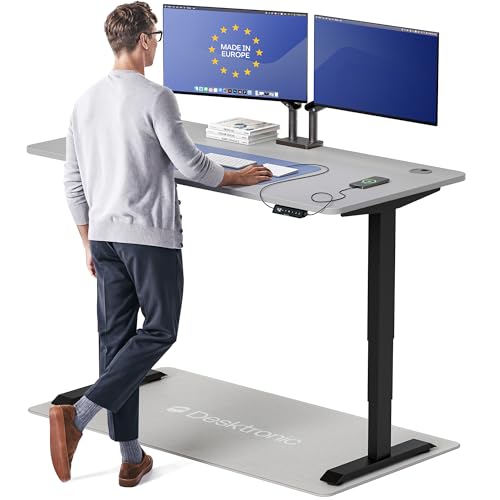
Furmax 55 Inches Electric Height Adjustable Standing Desk Home Office Desk
$109.99 Check pricePrices change often - OffiGo
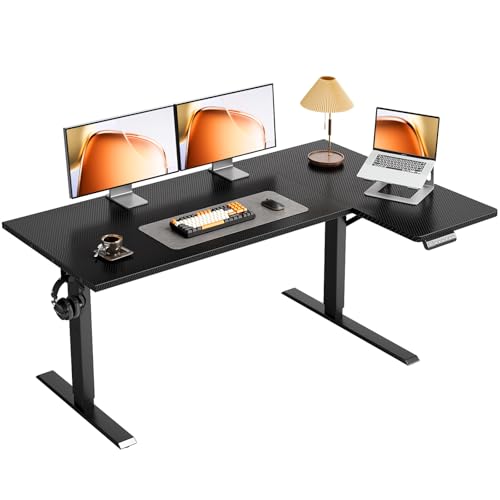
OffiGo 55" Reversible L Shaped Electric Standing Desk, Carbon Fiber Black
$149.99 Check pricePrices change often - VIVO
VIVO Reclaimed Wood 60 x 24 in Standing Desk, DESK-KIT-1B6P
$219.99 Check pricePrices change often




Width is the easy half of the problem
1 x 32 in works out to 27.9 in of screen, and the arithmetic is simple because a 16:9 panel is its diagonal multiplied by 0.872. Add a working margin of about 8 in each side and the desk wants to be near 43.9 in. That margin is not decoration: it is where the notepad, the mug and the lamp live, and a desk without it feels cramped no matter how wide the screens are.
Depth is where people run out of room, and it gets much less attention. A 32 in panel needs enough distance to be read comfortably, and on a factory stand the base takes about 9 in behind the screen before you start. That is why 24 in deep desks feel wrong with large panels and why an arm, which needs about 3 in, is the usual rescue.
When the room will not take the desk
The other lever is the panel itself: an ultrawide replaces two screens with one, and a 34 in ultrawide at 31.3 in is narrower than two 27 in panels at 47.7 in while giving up little usable area.
A corner or L shaped desk buys width by using two walls, which suits a setup that needs a second working zone well. The trade is that the corner itself is awkward depth, and screens in a corner sit further from you on the diagonal than they look on a plan drawing. Measure the seated position, not the footprint.
Questions people ask
What size desk do I need for 1 x 32 inch monitor?
About 43.9 in (111 cm) wide. The screens themselves take 27.9 in, and the rest is an 8 in working margin each side. In practice that means rounding up to the nearest standard width, so look at 48 in as the first size that genuinely fits.
How deep does the desk need to be?
Allow about 20 in with the monitors on their factory stands, since the base takes roughly 9 in behind the panel and the keyboard zone needs another 11 in. On a clamp arm you can work with about 14 in, because the panel hangs out over the surface.
Can I fit this on a 48 inch desk?
Yes. 20.1 in of free surface is left beside the screens, which is a comfortable working margin.
Would an ultrawide be a better use of the space?
A 34 in ultrawide is 31.3 in wide against 47.7 in for two 27 in panels, so it saves real width and removes the bezel seam down the middle. What you give up is the ability to run two sources and the hard divide that makes window management effortless. It suits one machine and continuous work.